OverPowered International

OverPowered International

SERVICES · Venture ·Draft copy

Venture

When the software is the business, or the thing the business runs on. It starts with a paid discovery, because a Venture build is not a price until it is scoped — and a number given before that is a guess.

Build out your scope

It starts with the kind of thing it is, then what it has to do, one area at a time.

A Venture build: discovery, then the applicationOn the left, discovery gathers four things — users and roles, flows, the data model, and a fixed-price plan — and an arrow carries them into the build. The build is one application in three layers: the interface, the rules of the business, and the data. Beside it are three boxes: sign-in and roles, where the client's users arrive as staff, customers or admin; integrations, connected both ways to the client's other systems; and an audit trail of append-only lines recording who did what, and when.VENTURE · DISCOVERY FIRST, THEN THE SOFTWARE THAT RUNS THE BUSINESSDISCOVERYbefore anything is builtBUILDthe application, in productionAROUND ITwho gets in, what it talks tousers & roleswho uses it, and howflowsthe work, step by stepdata modelwhat it keeps, and howa fixed-price planmilestone by milestoneinterfacethe screens your users work inrules of the businessworkflows, approvals, checksdatathe records the business runs onSIGN-IN & ROLESwho gets in, and what each may dostaffcustomersadminINTEGRATIONSyour other systems,connected both waysothersystemsAUDIT TRAILwho did what, and when —kept, never edited

Every Venture build includes

What you get

Foundation

  • Paid discovery The scope, the architecture and a fixed-price build plan — before anything is built.
    • Working sessions on the users, the flows and the rules of the business
    • Architecture and data model
    • A clickable prototype of the key screens
    • A fixed-price build plan, milestone by milestone
    • The fee comes off the build if it is signed within thirty days
  • Application core The foundation every Venture build stands on.
    • Environments and a deploy pipeline
    • Error tracking and logs
    • The design system the screens are built from
  • Hosting, monitoring & runbook Running in production, watched, and documented for whoever runs it next.
    • Production hosting in your account
    • Uptime and error alerts
    • Backups and a tested restore
    • A runbook

What it can do

Built out from here

Each of these is chosen in the builder, where it says what it adds before you add it.

Foundation

  • Tender response The tender read for fit, then the technical response written with you.

People & access

  • Accounts & roles Sign-up, sign-in and who can do what.
  • Single sign-on Staff sign in with the accounts they already have.
  • Organisations & teams Many customer organisations, each seeing only its own data.

What it does

  • Workflows & approvals Work that moves between people, with the rules of the business built in.
  • Documents & records Files and records stored, versioned and found again.
  • Search Find any record by what is in it.
  • Reports & dashboards The numbers the business asks for, without an export.
  • Notifications Email, SMS or WhatsApp, when something needs someone.
  • Real-time & chat Updates that appear the moment they happen.
  • AI features Search, drafting or classification over your own data.
  • Admin console The back office the business runs the product from.

Money

  • Subscriptions & billing Plans, trials, invoices and what happens when a card fails.
  • Payments & payouts Money in from customers and out to sellers or partners.

Connections

  • Integrations Your other systems — accounting, ERP, a government API — connected.
  • Public API Your customers’ systems connect to yours.
  • Data migration Records moved in from the system you are leaving.

Where it runs

  • Installable app Installs on phones and desktops from the browser — no app store.
  • Native iOS & Android apps Apps in the App Store and Google Play.
  • Works offline Keeps working with no signal and catches up when it returns.

Trust & compliance

  • Audit trail Who did what, and when — kept and never edited.
  • Security & compliance What an auditor, a bank or a ministry will ask to see.

After launch

  • Support & improvement A monthly block of time for fixes and the next features.

Never an add-on

In every build

  • Designed from nothing

    No template and no theme. The design is drawn for this business and used by no one else.

  • Motion that means something

    Movement that shows what changed and where you are — never decoration for its own sake, and it respects a reduced-motion setting.

  • Built for a phone first

    Laid out for a phone before a desk, because that is where most of it will be read.

  • Quick on a slow connection

    Speed is measured before launch, on the kind of connection people actually have.

  • Usable by everyone

    WCAG 2.2 AA: keyboard, screen reader and contrast are part of the build, not an audit afterwards.

After you say yes

How it runs

  1. Paid discovery

    Working sessions on the users, the flows and the rules of the business, then the architecture and the data model.

  2. A prototype

    A clickable prototype of the key screens, so the shape of it is agreed before it is built.

  3. A fixed-price plan

    A build plan, milestone by milestone, at a fixed price. The discovery fee comes off it if it is signed within thirty days.

  4. Build

    Working software every week, on staging, so progress is something you use rather than something you are told about.

  5. Launch & handover

    Production hosting in your account, alerts, backups with a tested restore, a runbook, and the source code.

Built like this

The work

Work built this way.

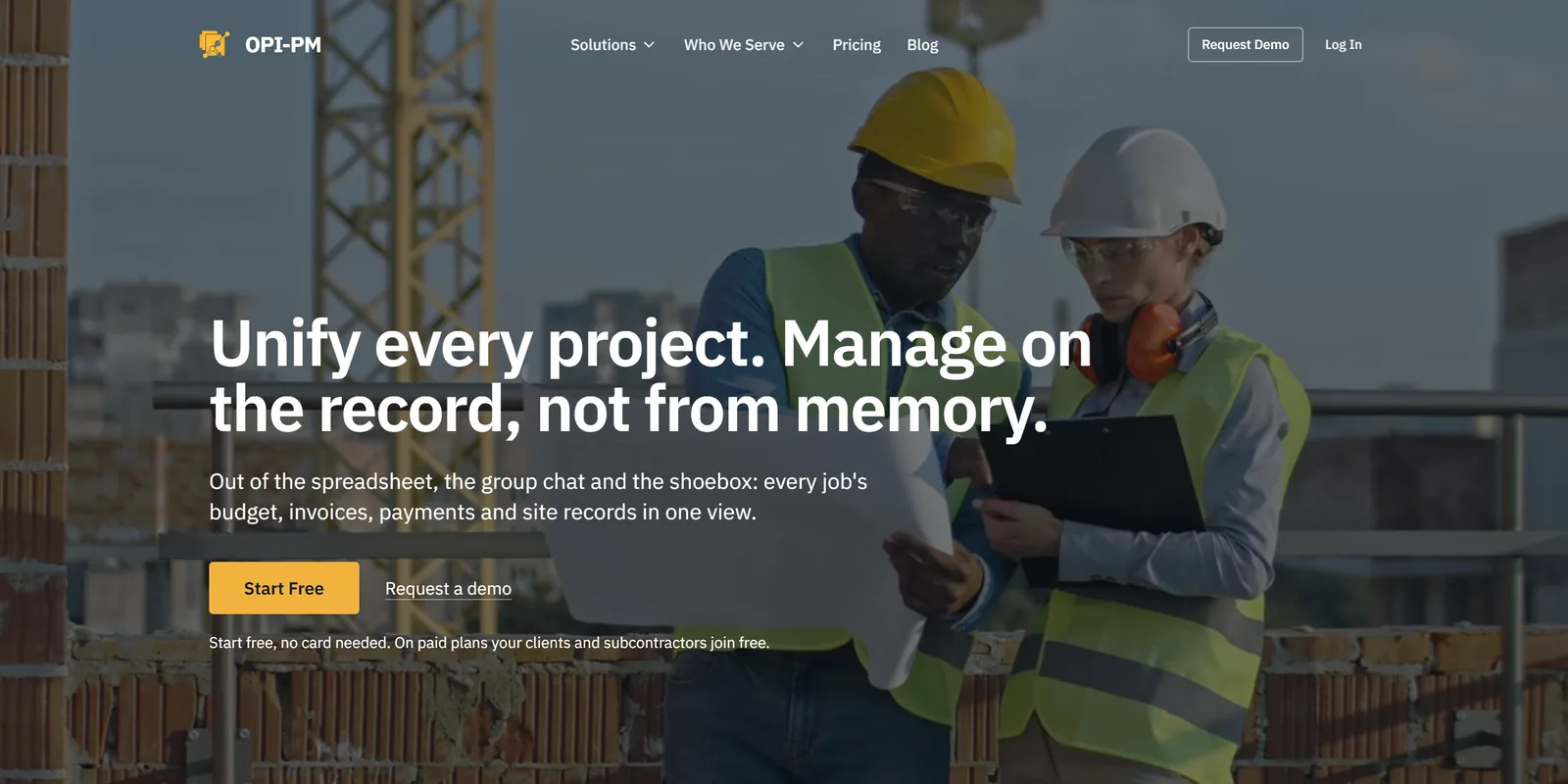
  • OPI Project Management

    A construction project-management platform that began as a request for a spreadsheet, built from the database up and run in production.

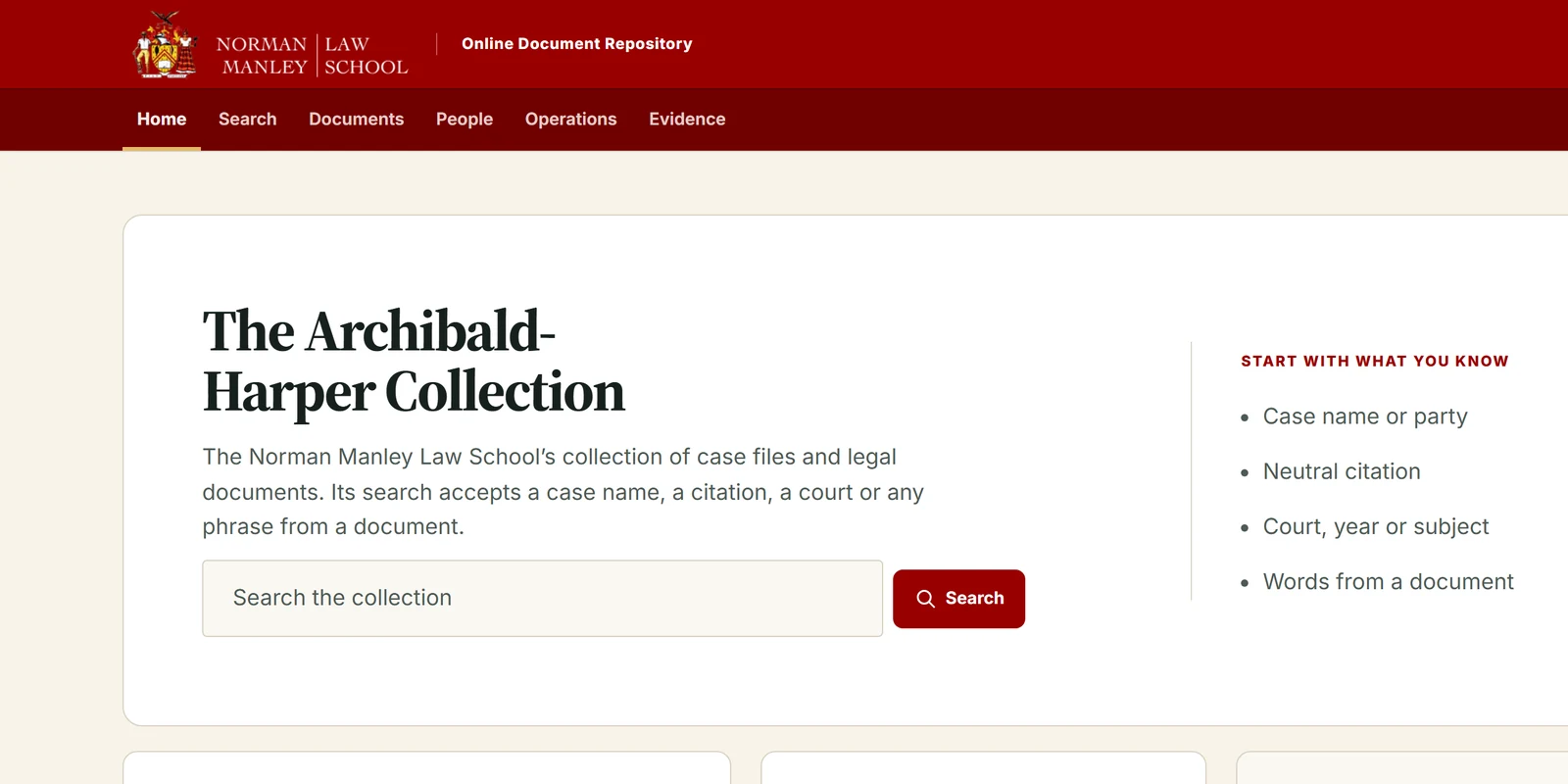
  • NMLS Document Repository

    A law school's document archive, replaced in six weeks by AI-driven development under a governance model strict enough to make that safe — with the old system kept in charge until the new one has earned it.

Never included

  • The build itself: it is priced as a fixed scope at the end of discovery, and paid in stages set then
  • Any tax that applies — prices are before it
  • Third-party services and infrastructure, billed to you directly

It assumes

  • Someone who can make decisions joins the discovery sessions
  • Existing systems and data are made available for discovery to inspect

Before you ask

Questions

Why does it start with a paid discovery?

Because a Venture build is not a price until it is scoped. Discovery produces the architecture, the flows, a clickable prototype of the key screens and a fixed-price build plan. Its fee comes off the build if it goes ahead.

What do I have at the end of discovery?

A written scope, an architecture and data model, a prototype you can click through, and a fixed price with milestones — all of it yours, whoever builds it.

Do you respond to tenders and RFPs?

For information systems, yes. The tender is read for fit and eligibility first; then a compliance matrix against its requirements, and the technical proposal and delivery plan written with you.

Can it connect to the systems we already run?

That is usually most of the work. Every system on the other side sets its own terms, so each connection is scoped in discovery before it is priced.

Who owns it, and who can run it afterwards?

You do. Production runs in your account, the source is yours, and the runbook is written for whoever operates it next — including someone who is not us.

Build out your scope.

Take out what you don’t need and add what you do. The price and the dates arrive as you go, dated against the work already booked.

Let's build the thing your business runs on.