
SERVICES · Ecommerce ·Draft copy
Ecommerce
A shop that is yours: your catalogue, your checkout, your orders and your customer list, on your own domain and in your own admin.
A few questions, one a page, then your project opens.
What you get
In it
- Discovery & plan
- Design & build · 5 pages
- Admin you edit yourself
- Online booking
- Enquiry forms
- Search foundations
- Privacy-friendly analytics
- Launch & handover
- Product catalogue · 25 products
- Cart & checkout
- Orders & stock
- Delivery & tax rules
- Order emails
- Customer accounts
- Sales dashboard
When it needs more
What can be added
Each is chosen in the builder, where it says what it adds before you add it.
Content
- Copywriting
- Blog or news
- More languages
- Content moved across
Booking
- Deposits at booking
- Bookings moved across
- Staff, rooms & classes
Commerce
- Subscriptions
- More than one currency
- Store credit & referrals
- Product reviews
- Delivery scheduling
- Digital products
- Trade & wholesale
- Import from your current store
- In-store stock sync
Growth
- Newsletter sign-up
- Your Google reviews
- Abandoned-cart emails
Integrations
- WhatsApp chat
- Order updates on WhatsApp
Around it
Set up and run for you
-
Getting paid
Taking money, set up for where the business is.
- Card payments· in it
- Payments account setup
- Bank card gateway
- A second way to pay
-
Kept running after launch
Keeping it running and changing.
- Launch support· in it
- Care plan
After you say yes
How it runs
-
Discovery & plan
What you sell, and how it reaches people.
-
Design
Your storefront, not a theme.
-
Build
Catalogue, cart, checkout and orders.
-
Products in
From your spreadsheet, or your old store.
-
Payments live
Tested with real transactions.
-
Launch & handover
Live on your domain, in your name.
-
Launch support
Sixty days of fixes after launch.
Built like this
The work
E-commerce 2026 →
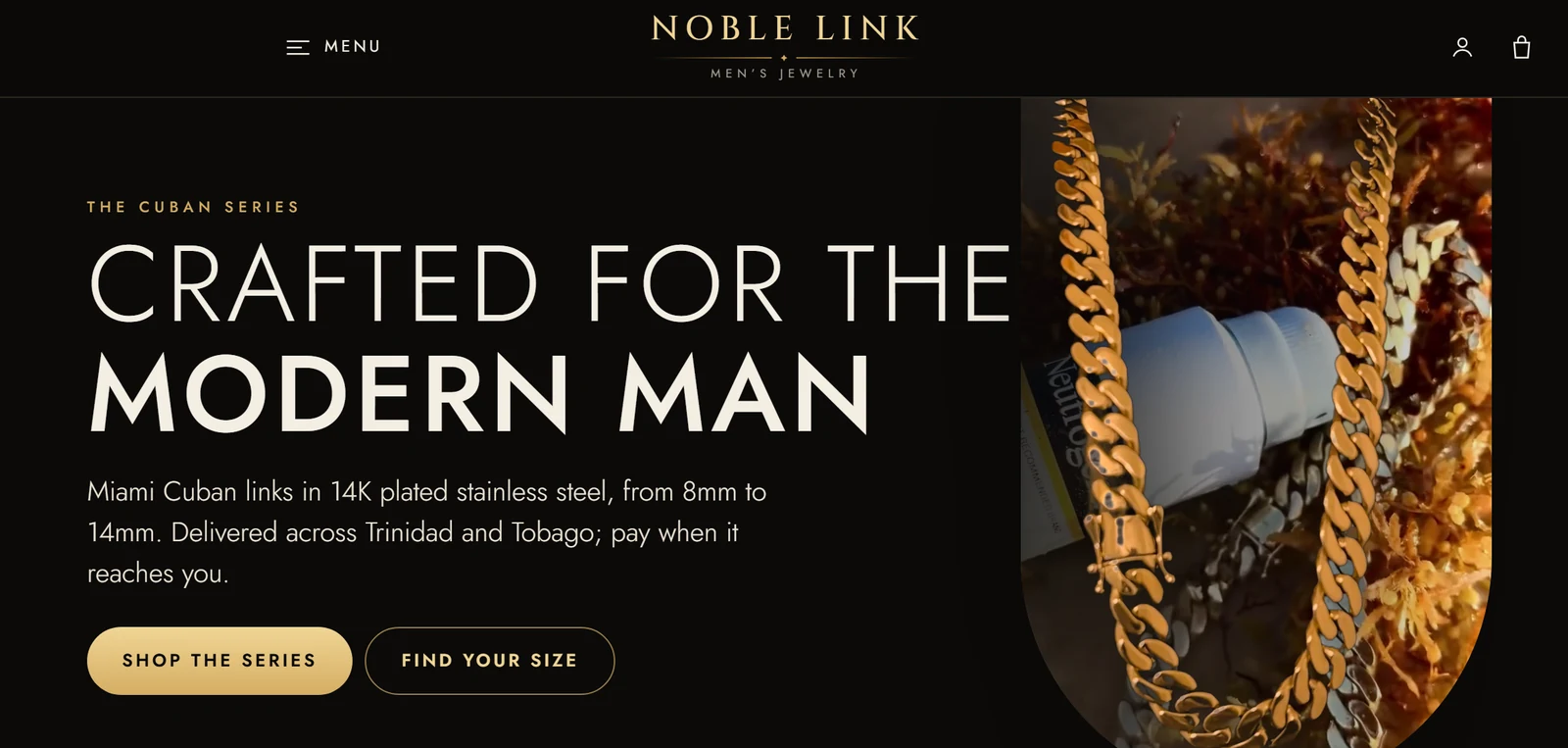
Noble Link
- Deployment
- —
- Work
- ongoing
Never included
- Product photography and product descriptions
- Any tax that applies — prices are before it
- Payment-processor approval and fees: the processor decides, and bills you directly
- Third-party fees: domain, hosting, email and shipping providers bill you directly
- Changes after the launch-support window, unless on a care plan
It assumes
- Product data arrives as a spreadsheet or an export from your current store
- Words and images for each page arrive before design starts
- Three rounds of revisions across design and build
Before you ask
Questions
Which payment processor will I be on?
Whichever one will actually take your business. Stripe where it is available to you; a regional gateway such as WiPay, or a bank’s own gateway, where it is not. Setting it up is part of the build, and the application is done with you.
How many products can it hold?
Twenty-five are entered for you to start with, and the catalogue grows from there — variants, categories, collections, search and filters come with it.
Can I move the store I already have?
Yes. Products, images, customers and past orders come across, and the old product addresses are redirected. It is an add-on in the builder.
Does it handle delivery and tax?
Delivery zones and rates, local pickup, and tax for where you sell are part of it. Chosen delivery days and windows are an add-on.
Can customers subscribe, or buy on repeat?
Yes — plans billed weekly, monthly or yearly, which customers pause, skip and cancel themselves. It is an add-on, and it needs card payments.
Build out your scope.
A few questions, one a page. Then your project opens, and a person reads it.